DHT Proxy: Hiding your IP from the BitTorrent DHT and trackers
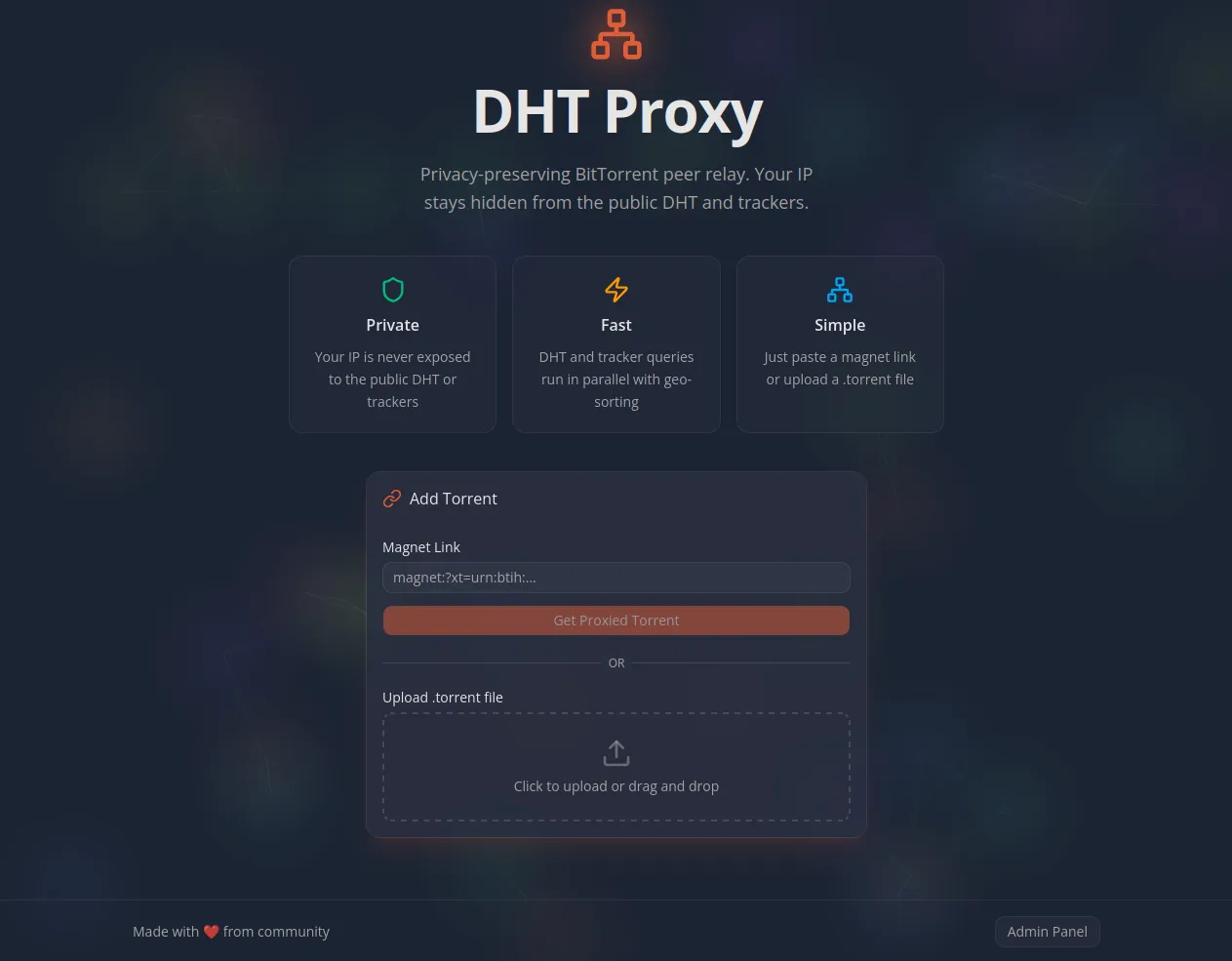
When you use BitTorrent, your IP address is visible to everyone — every tracker you announce to and every DHT lookup your client performs broadcasts your IP to the public internet. A VPN solves part of this, but it routes all your traffic through a third party, adds latency, and costs money. DHT Proxy takes a different approach: a self-hosted service that crawls the DHT network and public trackers on your behalf, collecting peer addresses and serving them to your client through a private announce endpoint. Your IP never reaches the swarm.
The problem
In a typical BitTorrent setup, your client directly queries the DHT network and public trackers to find peers. This means your IP address gets broadcast to potentially thousands of unknown nodes. Anyone monitoring the DHT or running a tracker can see exactly what you are downloading and from where
A VPN can solve this issue, but it routes all your traffic through a third party, adds latency, and costs money. DHT Proxy takes a different approach: it only proxies the peer discovery layer, not the actual data transfer. Your server's IP appears in the DHT and tracker logs instead of yours.
How it works
DHT Proxy runs its own DHT node and queries public trackers on your behalf. It collects peer addresses, enriches them with geographic location data, stores them in a database, and serves them to your BitTorrent client through a private announce endpoint. Your client never touches the public DHT or trackers directly.
Adding a torrent
When you submit a magnet link or torrent file to the proxy, it parses the infohash and announce URLs, stores the torrent, and returns a modified .torrent file. The announce URL inside that file points back to the proxy’s own /api/announce endpoint. In the background, the proxy simultaneously kicks off DHT lookups, sends an HTTP announce to the original trackers (immediately followed by a stopped event so it doesn’t stay registered), and enriches every discovered peer with GeoIP data before storing them.
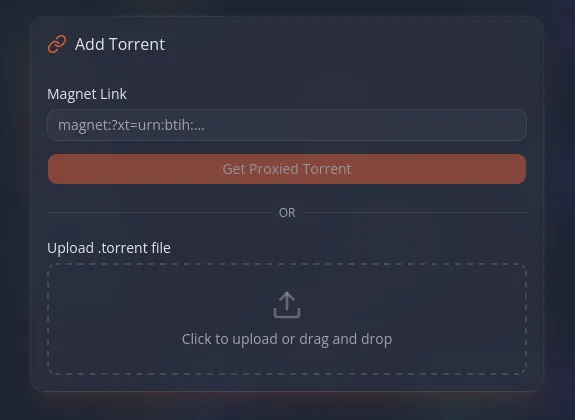
When you load this modified file into your BitTorrent client, it announces to the proxy instead of the public internet. The proxy looks up your location and returns the geographically closest peers from its database.
Using it with Prowlarr
For a fully automated media setup, there is a companion Docker container that acts as a transparent proxy in front of qBittorrent. It intercepts torrent additions, routes them through DHT Proxy to get the rewritten .torrent, and forwards that to qBittorrent — all transparently. The rest of the qBittorrent API passes through unchanged.
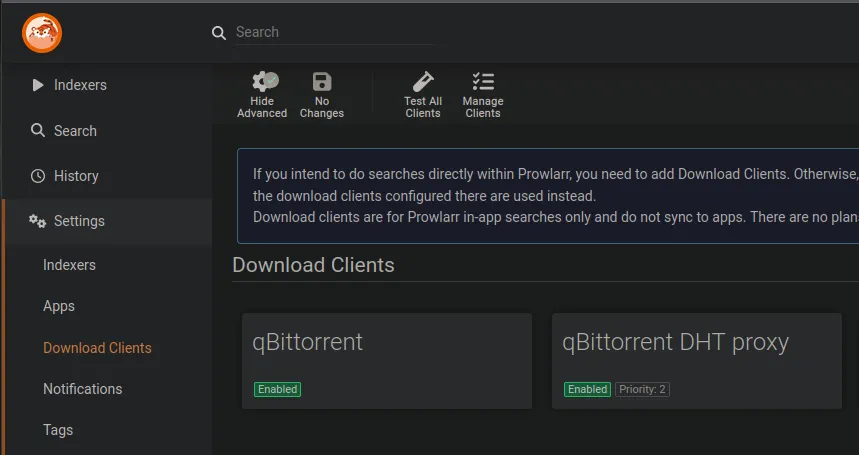
The neat part: you can add this proxied qBittorrent as a separate download client in Prowlarr specifically for public trackers. Your existing direct qBittorrent client handles private trackers as usual, while public tracker downloads are silently routed through DHT Proxy.
Set it and forget it
DHT Proxy is designed to be a zero-maintenance service. Once it is running, everything is handled automatically:
Torrents that stop receiving announces from your BitTorrent client are automatically paused — the proxy stops wasting resources crawling peers for things you are no longer downloading.
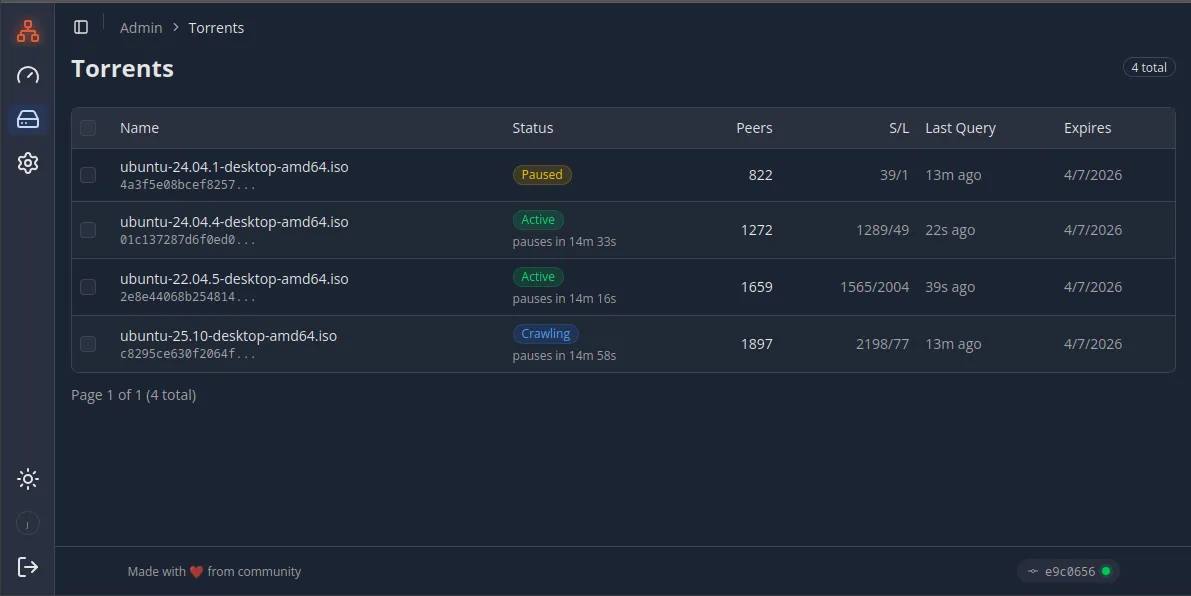
Added torrents are automatically removed after 7 days (configurable), so the database does not grow indefinitely and old completed downloads clean themselves up.
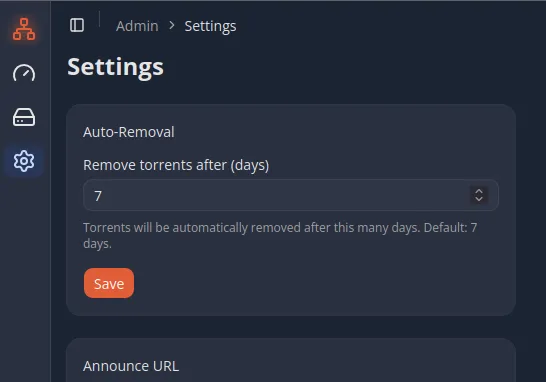
Stale peers that have not been seen in over an hour are also purged automatically, and the proxy continuously re-crawls active torrents every 5 minutes to keep the peer list fresh.
Public and private mode
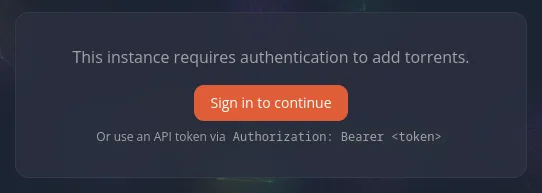
By default, DHT Proxy runs in public mode where anyone can submit torrents through the web UI or API. This is useful if you want to share the service with friends or run it as a household resource. Set DHT_PROXY_PUBLIC=false to lock it down: the UI redirects to OIDC login (Authentik or any compatible provider), and the API requires an Authorization: Bearer token. In private mode, peer data and tracked torrents are visible only to authenticated users.
The admin panel
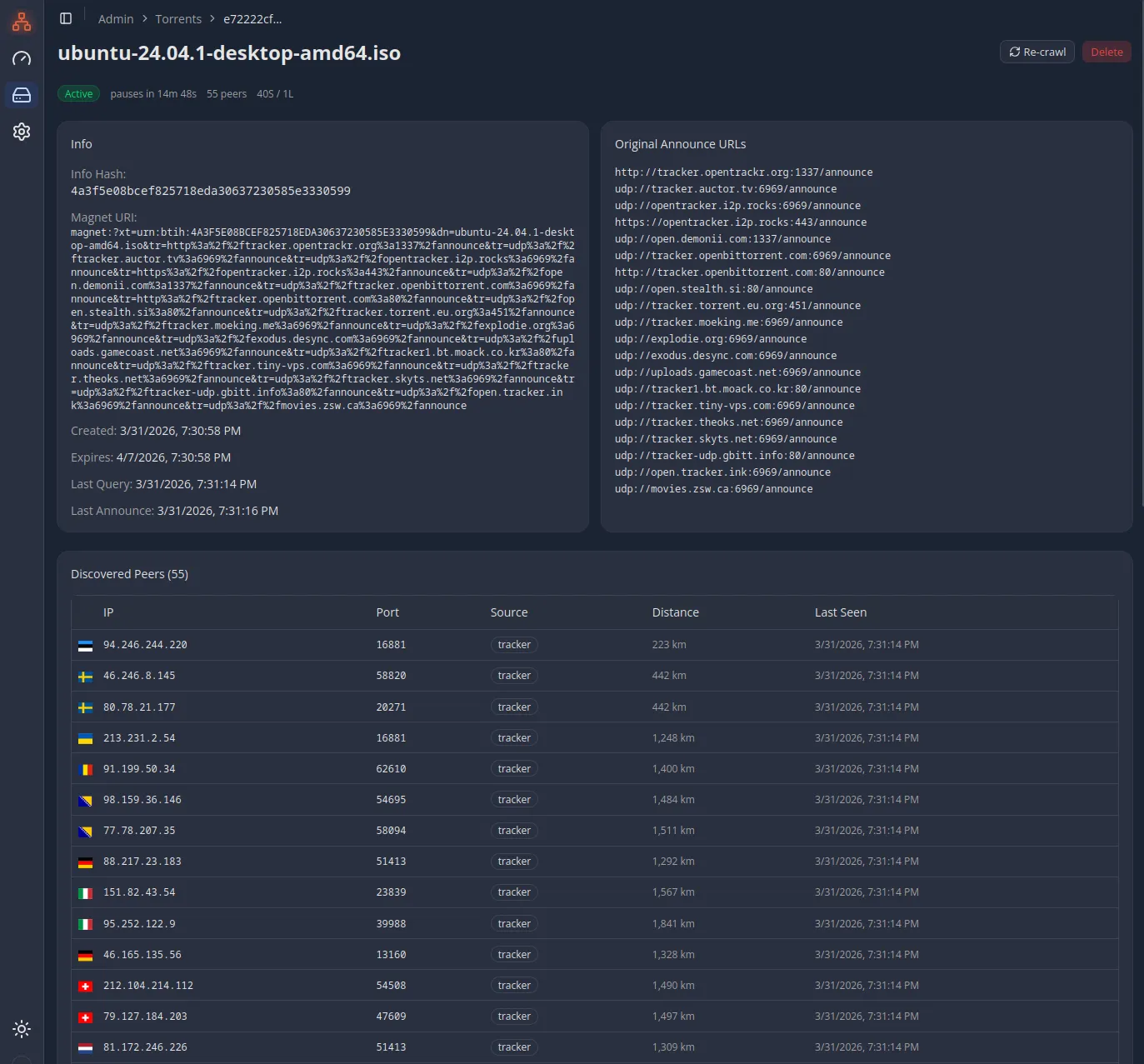
While the proxy is designed to run unattended, there is an admin panel where you can see all tracked torrents, their peer counts, seeder/leecher stats, and the full peer list with country flags, distance sorting, and infinite scroll. You can trigger manual recrawls, adjust TTL settings, or remove torrents you no longer want tracked.
Deployment
Everything runs in Docker Compose. The stack includes the Next.js app (on Bun), PostgreSQL, and a GeoIP database auto-updater. A Dockerfile is included for production builds.
# Clone and configure
git clone https://github.com/Janhouse/dht-proxy.git dht-proxy
cd dht-proxy
cp .env.example .env.local
# Edit .env.local with your OIDC credentials, secrets, etc.

# Start everything
docker compose up -d
On startup, the app automatically runs database migrations, bootstraps the DHT node, and starts background jobs. No manual setup steps after the initial configuration.
Deploying the qBittorrent proxy
The qBittorrent proxy container is a separate service in the qbittorrent-dht-proxy directory. It needs just a few environment variables: the DHT Proxy address and the real qBittorrent address. Once running, add it as a new download client in Prowlarr or Sonarr/Radarr using the proxy’s address (e.g. http://qbt-dht-proxy:9080) instead of qBittorrent directly.
You may also want to disable DHT, peer discovery, and other public tracker features directly in qBittorrent, since peer discovery is now handled by the proxy.
Limitations
DHT Proxy hides your IP from the DHT network and public trackers, but it does not hide your IP from the peers you connect to directly. Once your client starts downloading, the remote peers can see your IP — that is inherent to how BitTorrent works and would require something like I2P or a seedbox to fully address. The proxy protects you from mass surveillance of the DHT and tracker announce logs, not from the peers themselves.
Sharing is caring, but…
Yes, this approach breaks the "sharing is caring" principle. By hiding your IP from the DHT and trackers, you are not contributing back to peer discovery — others cannot find you to download from. If upload ratio and community reciprocity matter to you, this tool is not a good fit. It is designed for situations where privacy outweighs participation, particularly with public trackers where there is no formal ratio enforcement anyway.